
System Settings
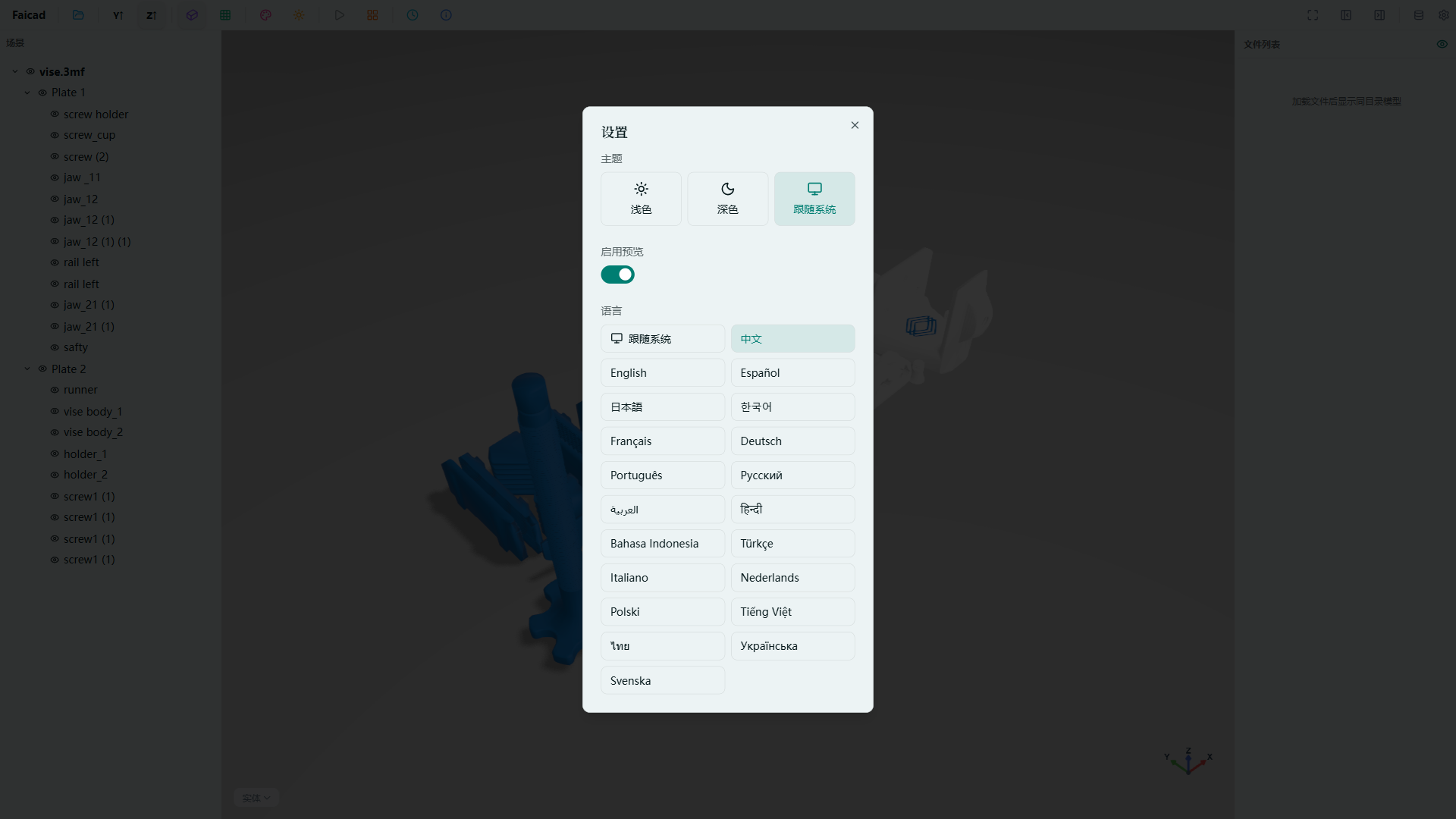
Click the System Settings button in the toolbar to open the application settings panel and configure preferences.
Settings include:
- Language — Switch between Chinese and English interface
- Theme — Light mode / Dark mode / Follow system
- Default Directory — Set the default file directory on startup
All settings take effect immediately without restarting the application.