
Render Settings
Click the Render Settings button in the toolbar to open the render parameters panel and adjust scene display effects.
Adjustable parameters include:
- Environment Map — Switch different HDR environment maps for varied lighting
- Wireframe Overlay — Toggle wireframe display overlay
- Background Color — Modify the viewport background color
- Shadows — Enable or disable shadow rendering
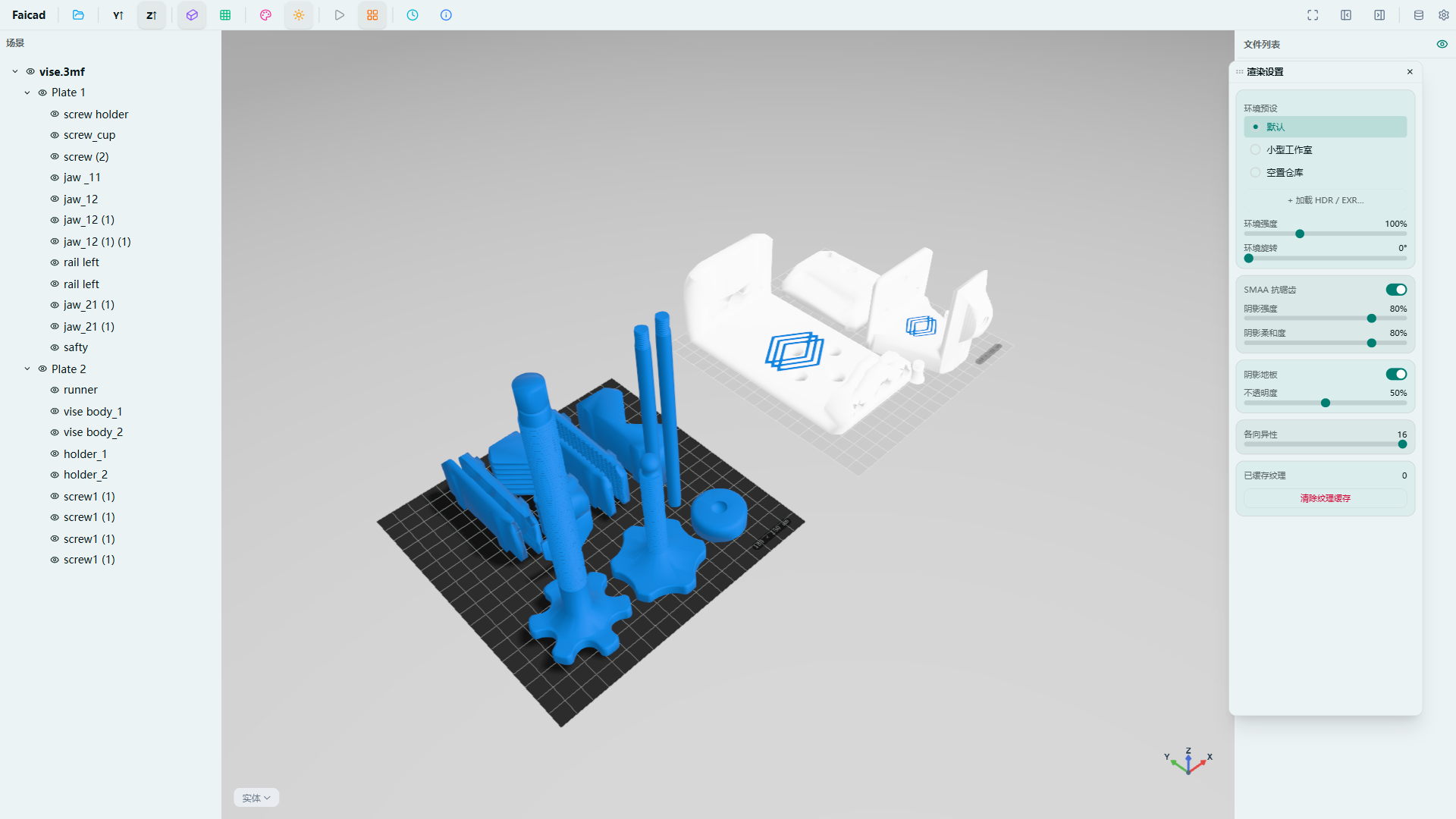
Changes are reflected in the viewport in real-time.