
Bed Management
Click the Bed Management button in the toolbar to toggle the 3D printing bed visibility.
The app automatically decides the initial state based on model type:
- CAD models (STL / STEP / 3MF etc.): bed shown by default
- Other models (GLB / OBJ / PLY etc.): bed hidden by default
The currently loaded vise.3mf is a 3MF file, so the bed is shown by default.
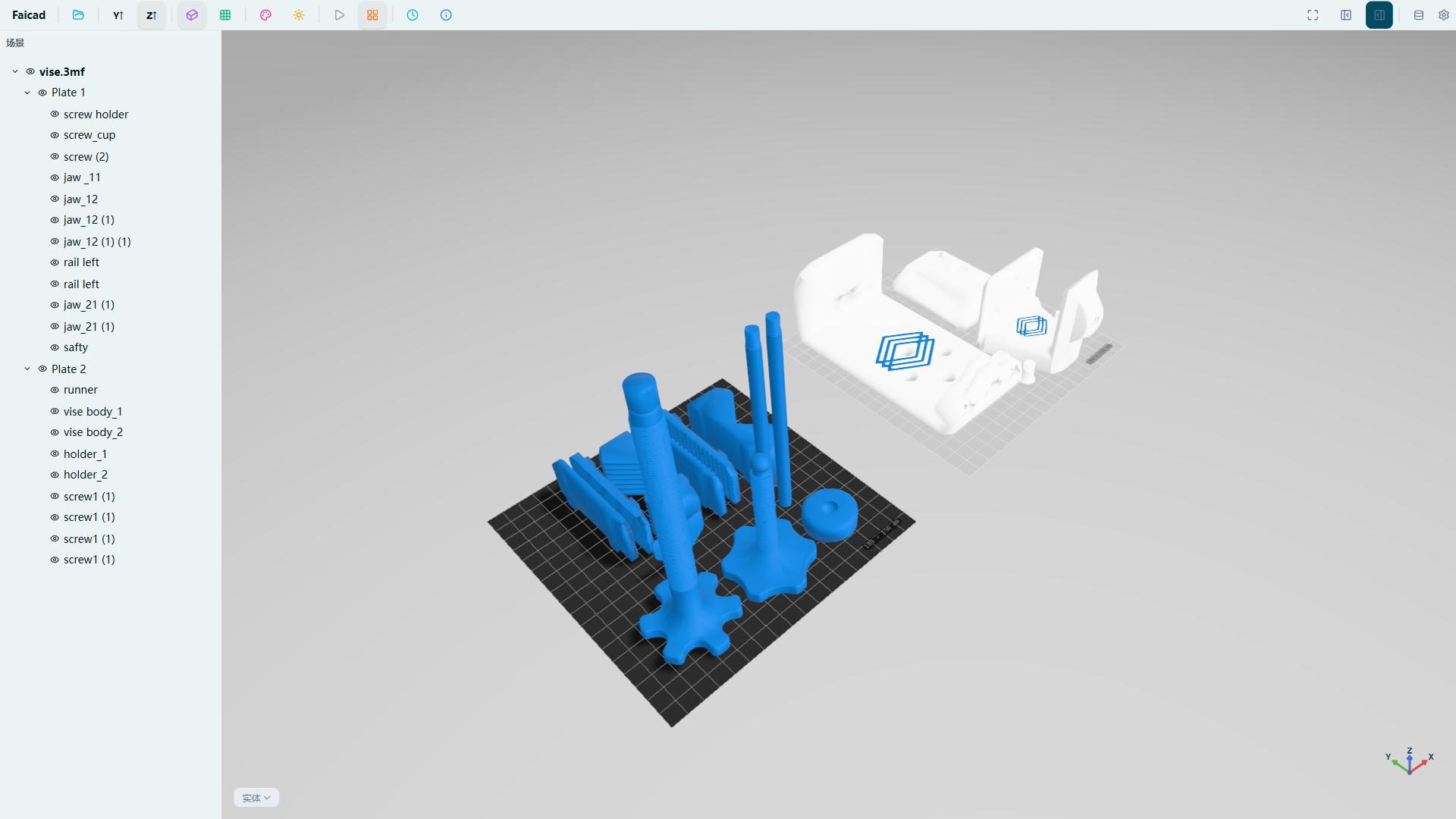
Ideal for 3D printing users to preview model placement before slicing.