
Axis Switch
Click the Y↑ / Z↑ button in the toolbar to toggle the global up-axis orientation.
The app automatically selects the default orientation based on model type:
- CAD models (STL / STEP / 3MF etc.): Z-up (Z↑) by default
- GLB / glTF models: Y-up (Y↑) by default
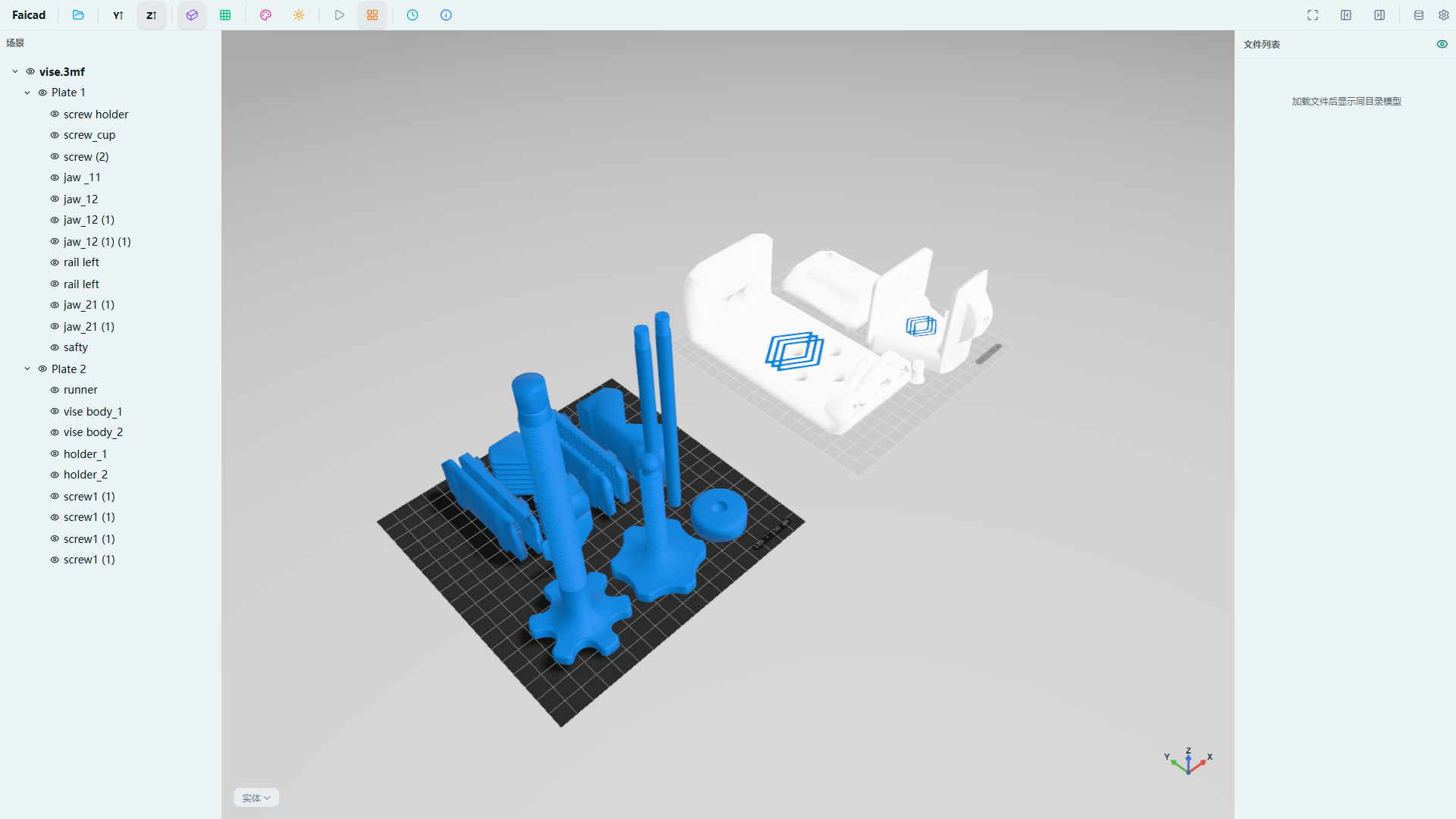
The currently loaded vise.3mf is a 3MF file, displayed with Z↑ by default.
Z↑ Mode
Uses Z-axis as the up direction, suitable for architecture, CAD and engineering models.
Y↑ Mode
Uses Y-axis as the up direction, suitable for most 3D modeling and game assets.
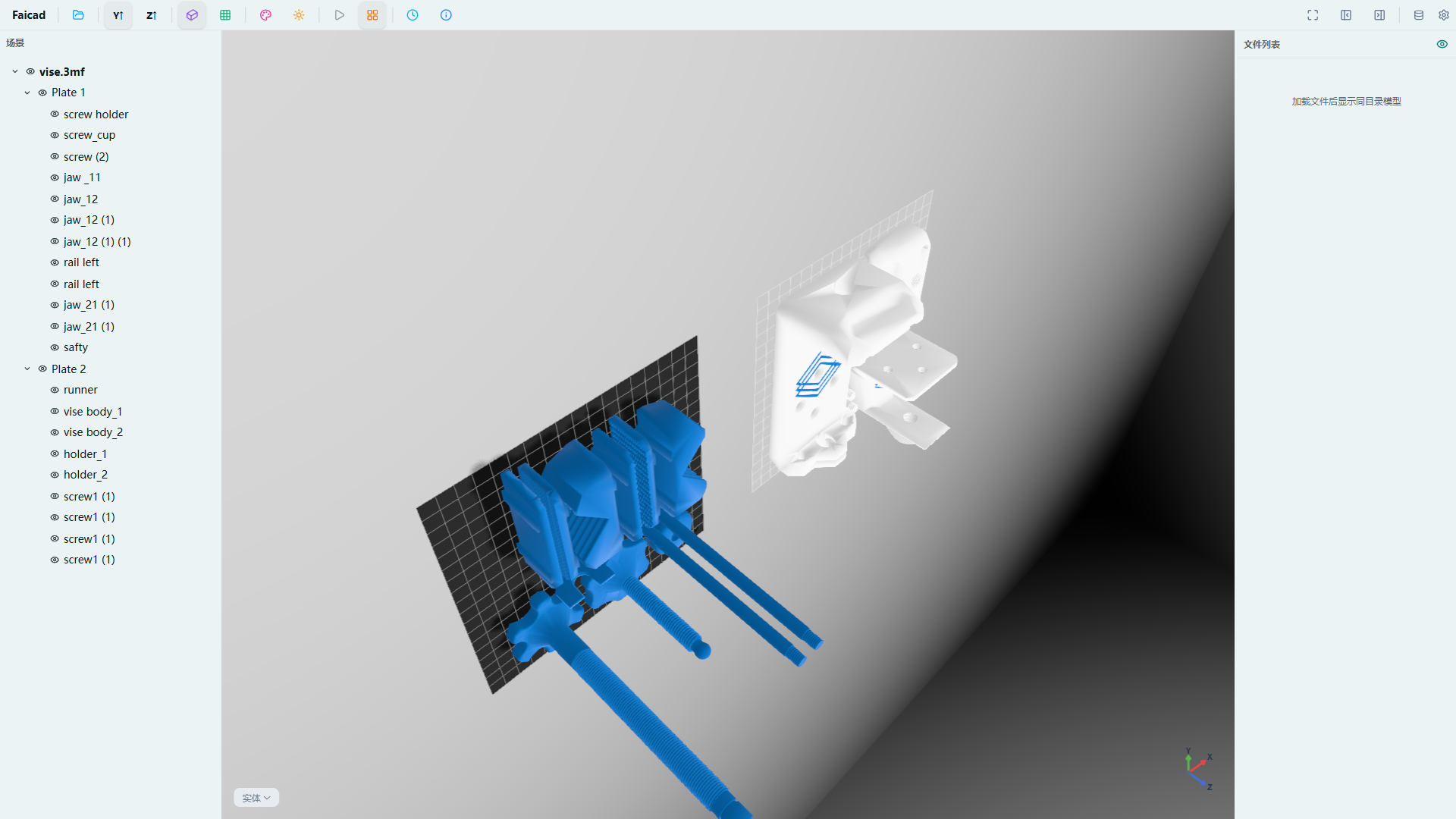
The coordinate axis indicator in the bottom-right corner updates synchronously after switching.