
Cache Management
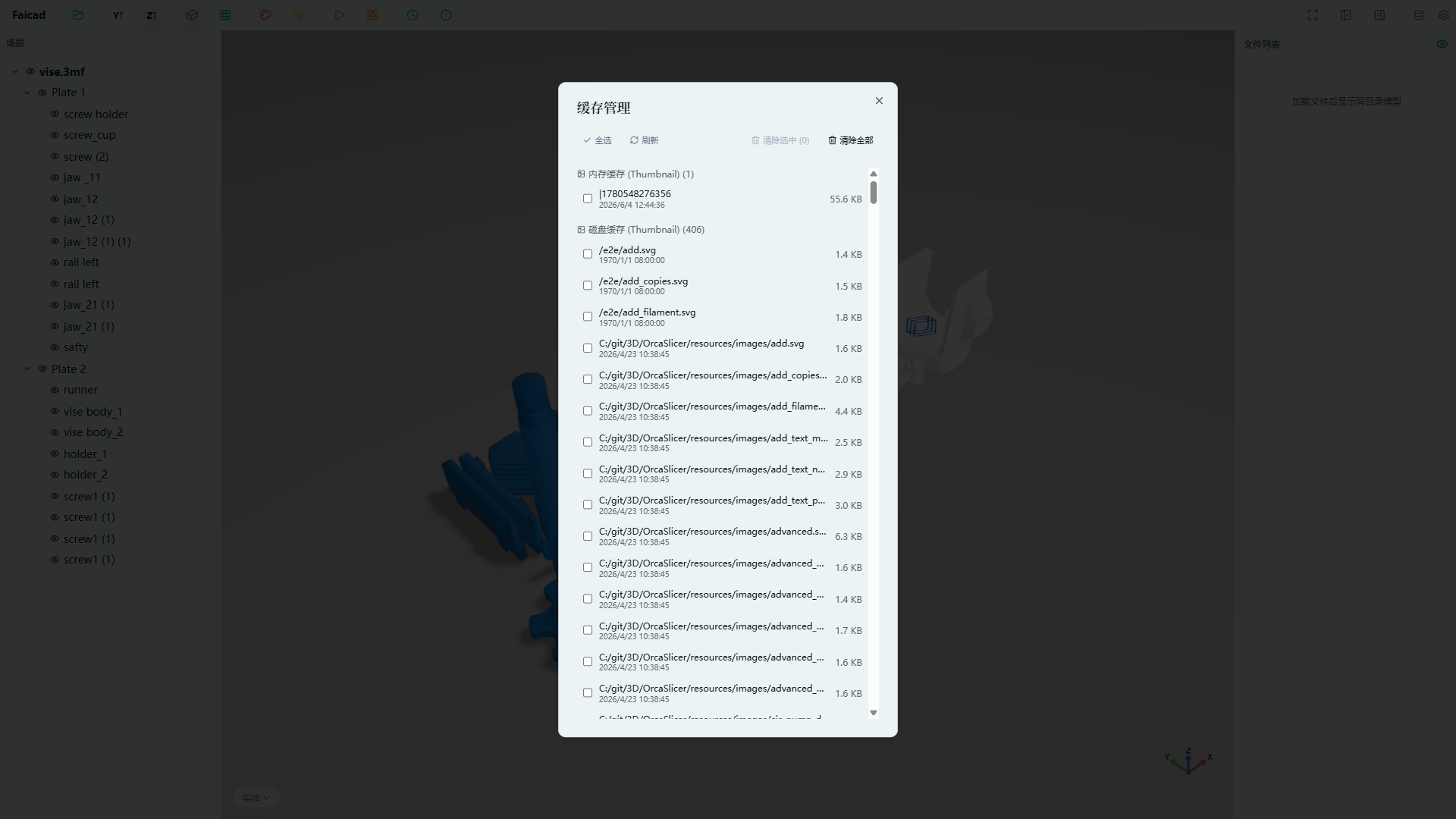
Click the Cache Management button in the toolbar to open the cache settings panel and manage application cache data.
Features:
- View Cache Usage — Display disk space occupied by cached data
- Clear Cache — Clear all cached data with one click
- Cache Breakdown — View usage by cache type (model conversion, thumbnails, etc.)
Regular cache cleanup frees up disk space. Recommended before loading large models.